AI front-end code has a tell. Devs are fighting the purple-gradient slop with design tokens
AI-built interfaces all look the same: purple gradients, Inter, three icon cards in a row. Here's why the output converges, what it costs, and how developers break the pattern.
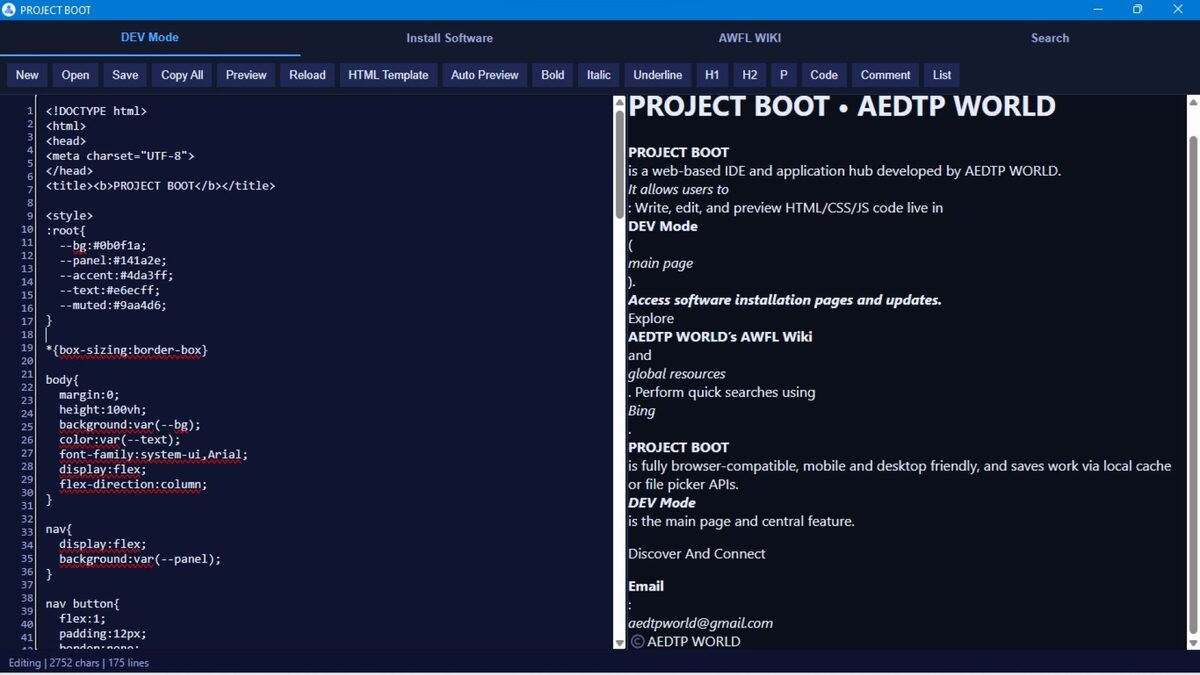
Open any “build me a landing page” demo and you can guess the result before it renders. Purple-to-indigo gradient. Inter font. A centered hero, then exactly three rounded cards in a row, each with an icon and a faint shadow. Developers call it slop, and the people shipping AI-generated front-ends are starting to fight it on purpose.
The hook is a short blog post by a developer who goes by Volpe, titled “Slightly reducing the sloppiness of AI generated front end.” Volpe admits to having no design taste and leaning on an AI agent to style personal projects, only to hit the same wall every time. “Even when I got it to make a page to look like X,” they write, “it looked like X with slop.” That line captures the whole problem. The slop isn’t a style you can prompt away. It sits on top of whatever style you ask for, like a watermark.
This matters beyond aesthetics. AI coding tools now write a large share of the front-end code shipping to production, and the convergence isn’t a quirk of one model. It’s structural, it’s measurable, and it carries real costs in accessibility, performance, and brand. The good news: the fixes are unglamorous and they hold up. Here’s what the look actually is, why it happens, and the constraints developers are wiring into their repos to break it.
The tell: how to spot it
The signature is consistent enough to be a meme. Inter or system-ui for type. A gradient running from indigo to purple. Border radius around half a rem on everything. Box shadows at roughly 0.1 opacity. A three-column feature grid with an icon per card. Oversized hero text over vague copy.
The clearest receipt comes from the person who arguably started it. In a post on X in August 2025 that drew hundreds of thousands of views, Tailwind CSS creator Adam Wathan wrote: “I’d like to formally apologize for making every button in Tailwind UI bg-indigo-500 five years ago, leading to every AI generated UI on earth also being indigo.” He was half-joking. The mechanism he described is exactly right.
There’s a second tell under the surface, and it’s the one that bites later: the markup. Unconstrained output tends toward deeply nested div soup, dozens of utility classes per element, and no reusable components. It looks fine in the demo. It’s a maintenance problem the first time someone has to change the spacing on every card.
Why the output converges
A language model predicts the most probable next token given everything it has seen. For front-end code, “everything it has seen” is a web saturated with the same starter material: Tailwind documentation, UI-kit tutorials, half-finished GitHub repos, and component galleries that all reach for the default palette. Ask for “a landing page” with no other constraint and the model returns the statistical center of that corpus. As one DEV Community breakdown puts it, you’re getting the median of every Tailwind tutorial scraped from GitHub between 2019 and 2024.
Then it compounds. AI-generated sites get published, indexed, and scraped into the next training set, which reinforces the same defaults. The indigo gets more indigo. Wathan’s placeholder color became a feedback loop.
Default prompts make it worse. “Make it look modern and clean” maps, statistically, to the exact slop everyone recognizes, because that phrasing describes the median too. The model isn’t being lazy. It’s doing precisely what you asked, which is to guess what most pages that fit your words look like. The fix isn’t a smarter model. It’s a more specific instruction set, and ideally one that lives in the repo rather than in a chat window you’ll lose.
The real costs
Sameness is the visible cost. Three quieter ones do more damage.
Accessibility is the big one. AI output inherits the baseline of the web it learned from, and that baseline is grim. WebAIM’s 2025 scan of the top one million home pages found 94.8% had detectable WCAG 2 A/AA failures, an average of 51 distinct errors per page, with 4.1% of all page elements carrying a barrier. A model trained on that web reproduces the same low-contrast text, missing alt attributes, and unlabeled form controls unless something checks for them. Nobody prompts for inaccessibility; you just get it by default.
Performance is the second. The nested-div habit and per-element utility-class pileup bloat the DOM, which slows layout and hydration on real devices. A breakdown of why Linear’s app feels instant makes the inverse point: the speed comes from deliberate architecture, not from whatever the generator emits first.
Maintainability is the third, and it’s where the lack of a design system hurts. When every screen is bespoke utility soup with no shared components, a change to your card style is a find-and-replace across the codebase instead of one edit to one component. Brand sameness is almost a footnote next to that, but it’s real: if your product looks like every other AI-built site, you’ve spent your first impression sounding like everyone else.
The fixes developers actually use
The pattern across teams that have beaten the slop is the same: stop relying on the prompt alone, and move the constraints into the repository where the model has to obey them.
Start with design tokens. Define your colors, spacing, radii, and type as named variables, then tell the model to use only those token names, never raw values. That single move replaces bg-indigo-500 with bg-brand-primary resolving to your actual brand color. The model still does the work; it just fills in your system instead of its default.
Pair that with a design system the model must reuse. Give it a real component library, a <Button>, a <Card>, a <Field>, and instruct it to import from there rather than hand-rolling markup each time. Reuse kills the div soup and the inconsistency in one stroke. Anthropic’s Claude Code popularized a front-end-design skill that pushes the model toward distinctive fonts and palettes; the durable version of that idea is a component library checked into your repo, not a prompt you retype.
Then gate the pull request. Run linting, an automated accessibility check (axe-core, Pa11y, or similar), and a visual-regression diff in CI, and fail the build when they fail. The a11y gate catches the missing alt text and the contrast violations before they ship. The visual diff catches the moment the model quietly drifts off your tokens. This is the same instinct behind treating AI contributions as untrusted by default: SQLite, for one, won’t accept AI-written code at all, while other projects let it in but wrap it in review. A CI gate is the middle path for front-end work.
Finally, prompt for constraints, not vibes. Volpe’s own fix was to tell the agent to style projects “like a Qt application,” a concrete, unusual target the median corpus doesn’t cover, and the slop receded. Naming a specific visual world (“a brutalist newspaper,” “a 1990s terminal,” “a Qt desktop app”) gives the model somewhere to go that isn’t the average. Just don’t rely on it alone. Prompts evaporate between sessions; tokens and CI gates don’t.
Why you’re hearing about this now
The timing isn’t an accident. AI now writes front-end code at a scale where a shared default becomes a visible monoculture, and the tools are racing to put it everywhere. OpenAI is pushing Codex into every ChatGPT app, which means more non-developers shipping generated interfaces, which means more slop in production. A blog post like Volpe’s lands now because thousands of people just hit the same wall in the same week.
The honest read: the convergence is a training-data property, so it won’t fix itself, and the next model will likely have the same defaults. What changes the output is the scaffolding you put around it. If you’re starting an AI-assisted front-end project this quarter, write the token file and wire the a11y gate before you write the first prompt. That’s the few hours that decides whether your site looks like itself or like everyone else’s.
Share this article
Quick reference
Sources
- Slightly reducing the sloppiness of AI generated front end — Volpe (envs.net)
- Adam Wathan: 'I'd like to formally apologize for making every button in Tailwind UI bg-indigo-500' — Adam Wathan on X
- The WebAIM Million: 2025 report on the accessibility of the top 1,000,000 home pages — WebAIM
- Why Every AI-Built Website Looks the Same (Blame Tailwind's Indigo-500) — DEV Community
Frequently Asked
- Why does AI-generated front-end code all look the same?
- Models predict the most statistically common pattern in their training data. For web UI, that data is saturated with Tailwind tutorials and starter repos that default to indigo buttons, Inter, rounded cards, and three-column grids. Ask for 'a landing page' with no constraints and you get the median of every tutorial scraped from GitHub. Tailwind's creator publicly apologized for seeding the purple.
- What are design tokens, and how do they help?
- Design tokens are named variables for your visual decisions: color.brand.primary, space.4, radius.card, font.body. Instead of letting the model invent bg-indigo-500, you hand it the token names and tell it to use only those. The model fills in your system's values rather than its statistical default, so the output matches your brand instead of everyone else's.
- Is AI front-end output less accessible than hand-written code?
- Not inherently, but it inherits the web's baseline, which is poor. WebAIM's 2025 scan found 94.8% of the top million home pages had detectable WCAG failures, averaging 51 per page. A model trained on that web reproduces missing alt text, low contrast, and unlabeled controls unless you test for them. An automated a11y gate in CI catches the common ones before merge.
- Can I stop the sameness with just a better prompt?
- Partly. Naming a concrete visual target ('style it like a Qt desktop app') measurably shifts the output, as one developer documented. But prompts drift across sessions. Durable fixes live in the repo: a token file the model must read, a component library it must import from, and CI checks that fail the build when it doesn't.
- Does any of this slow down the speed advantage of AI coding?
- It adds setup, not per-task drag. Once the tokens, the component library, and the CI gates exist, the model works inside them automatically. You trade a few hours of scaffolding for output that doesn't need a manual design-and-accessibility pass on every screen.